Interview Transcription — Convert Every Interview Into Accurate, Searchable Text
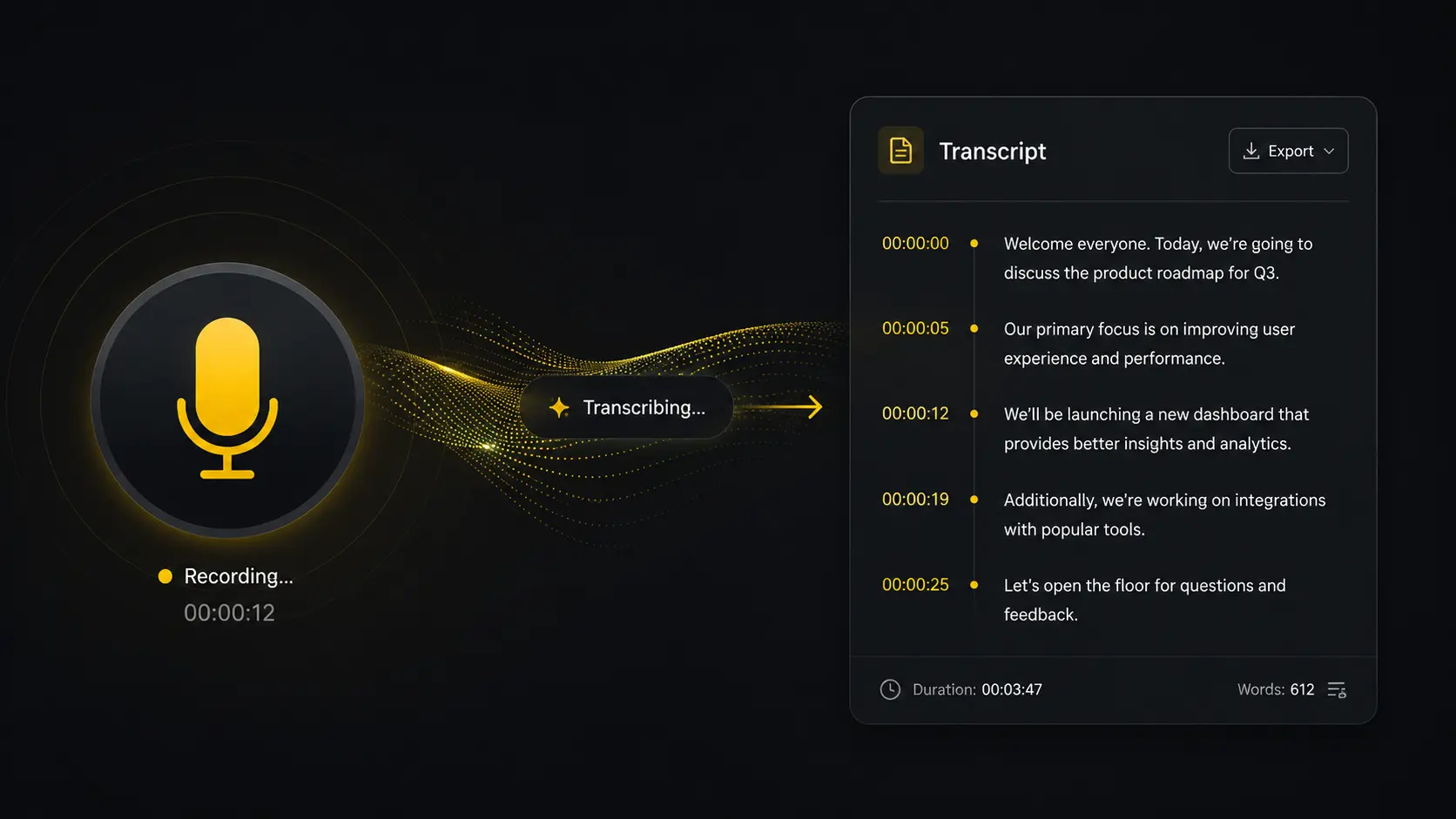
The interview is done. The recording is saved. Now comes the part everyone dreads — sitting through it again, pausing every few seconds, typing out every word.
There's a better way.
Transcriptor Pro transcribes your interviews automatically using AI — delivering accurate, speaker-labeled transcripts in minutes. Whether you're a journalist, researcher, recruiter, or content creator, your interviews should work for you long after the conversation ends.
Why Manual Interview Transcription Is Killing Your Productivity
The average one-hour interview takes 4-6 hours to transcribe manually. That's time you could spend writing the story, analyzing the data, placing the candidate, or creating the content.
Transcriptor Pro cuts that to minutes. Upload your file, let the AI work, and come back to a clean, accurate transcript ready to use immediately.
Time Saved
Replace 6 hours of typing with 5 minutes of AI processing. Reclaim your workday.
How to Transcribe an Interview With Transcriptor Pro
Upload your interview recording
Supports MP3, MP4, WAV, M4A, MOV, and all major audio and video formats. Drag and drop your file directly — no complicated setup.
AI transcribes with speaker labels
Our AI processes the conversation and automatically identifies each speaker — interviewer and interviewee labeled separately throughout the transcript.
Edit, export, and use
Review the transcript, make any edits, and export in your preferred format. Use it for your article, report, database, or content pipeline.
Everything Transcriptor Pro Does for Interview Transcription
Automatic Speaker Recognition — Know Exactly Who Said What
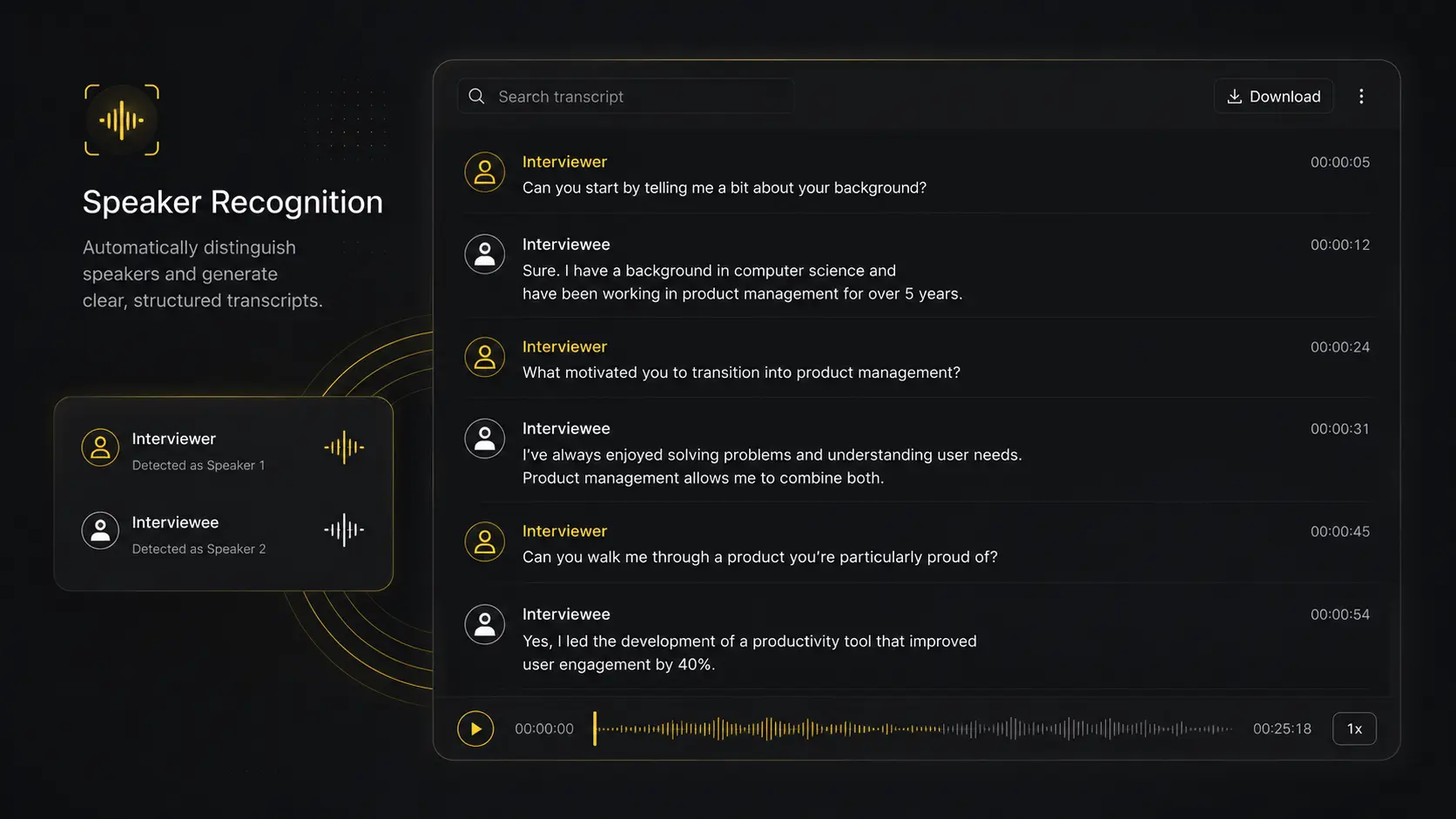
The most frustrating part of interview transcription is attribution. Transcriptor Pro's speaker recognition automatically detects and labels each voice in the conversation — no manual tagging, no guesswork.
Interviewer: What made you decide to leave the corporate world?Interviewee: Honestly, it came down to wanting to build something that was actually mine.
// Clean, attributed, ready to quote directly in your work.
AI Summary — Get the Key Points Instantly
Don't have time to read the full transcript right now? Transcriptor Pro generates an automatic summary of your interview — key themes, standout quotes, and main takeaways — so you can decide what to focus on before diving into the full text.
Chat With Your Interview
Search your transcript by asking questions directly. "What did they say about their early career?" — and get the exact moment pulled from the transcript instantly. No more scrubbing through audio looking for a specific quote.
Export in Every Format
- TXT — clean text for your writing workflow
- DOCX — edit and annotate in Word or Google Docs
- SRT — add subtitles if publishing the interview as video
- PDF — archive, share, or submit as a formal document
Who Uses Transcriptor Pro for Interview Transcription
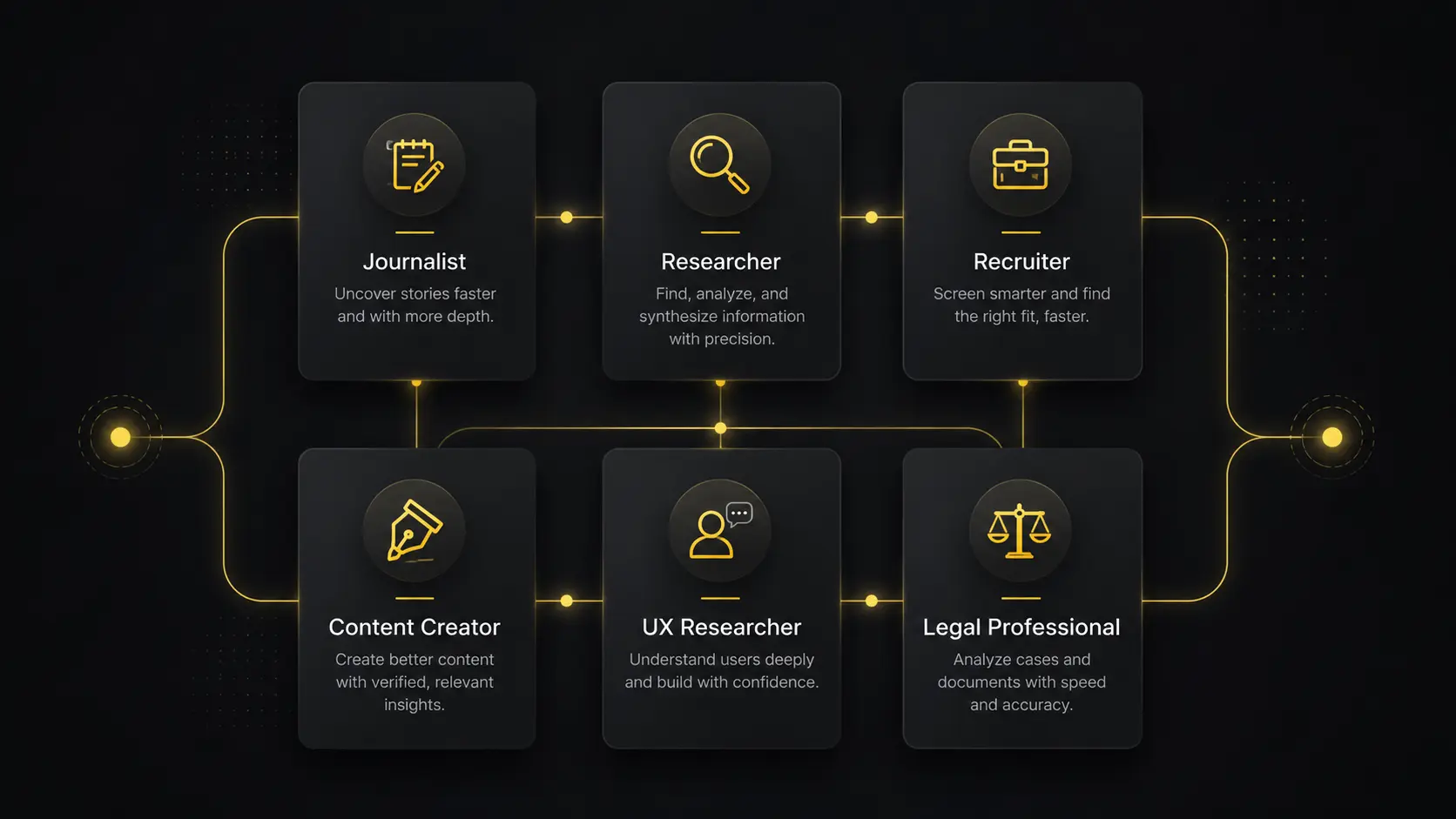
Journalists and Writers
Stop transcribing and start writing. Upload your source interview, get the transcript, pull your quotes, and focus on the story — not the typing.
Academic Researchers
Qualitative research depends on accurate interview transcripts. Transcriptor Pro delivers the accuracy your methodology requires, with export formats compatible with research software and document workflows.
Recruiters and HR Teams
Keep accurate records of candidate interviews. Transcriptor Pro gives you a searchable, shareable transcript of every screening call, panel interview, and final round conversation — no note-taking required during the call.
Content Creators and Podcasters
Turn guest interviews into blog posts, social quotes, newsletters, and YouTube content. One interview, multiple pieces of content — without hours of manual work.
UX Researchers
User interviews are goldmines of insight — but only if you can access them. Transcriptor Pro transcribes your user research sessions so you can tag themes, pull quotes, and build findings reports faster.
Legal and Compliance Professionals
Accurate transcription of witness interviews, depositions, and recorded statements — exported in clean, professional formats suitable for documentation and review.
Frequently Asked Questions
Q:What file formats are supported for interview transcription?
Q:How accurate is the transcription for interviews?
Q:Can it tell the difference between the interviewer and interviewee?
Q:How long does it take to transcribe a one-hour interview?
Q:Is my interview content kept confidential?
Q:Can I edit the transcript after it's generated?
Q:Does it support interviews conducted in languages other than English?
Q:What if my interview has background noise?
Every Interview You Conduct Is an Asset. Treat It Like One.
The insights, stories, and data inside your interviews don't expire — but they become useless if you can't access them quickly. Transcriptor Pro turns every conversation into a permanent, searchable, repurposable record.
Explore Other Use Cases
// See how Transcriptor Pro fits other workflows

